

drigaTerminal UI
Keyboard first. Flow, Projects and Machines, with Chat one key away. Flow
alpha · macOS, Linux · Windows experimental
Every Claude Code, Codex, Copilot and Gemini session across your projects and machines, live. Answer a waiting agent from the terminal or the browser.
brew install --cask labstack/tap/drigaA real-time screen recording of driga on demo sessions. In a terminal, driga is typed and opens; workers start under a session; that session asks permission to run pnpm prisma migrate deploy, and it is allowed with y. Then the same prompt is allowed in the browser dashboard, and a session that shares a file with another is opened. It ends on the install command.
Works withClaude CodeCodexGitHub Copilot CLIGemini CLIAntigravity (process level)
◆ NEEDS YOU
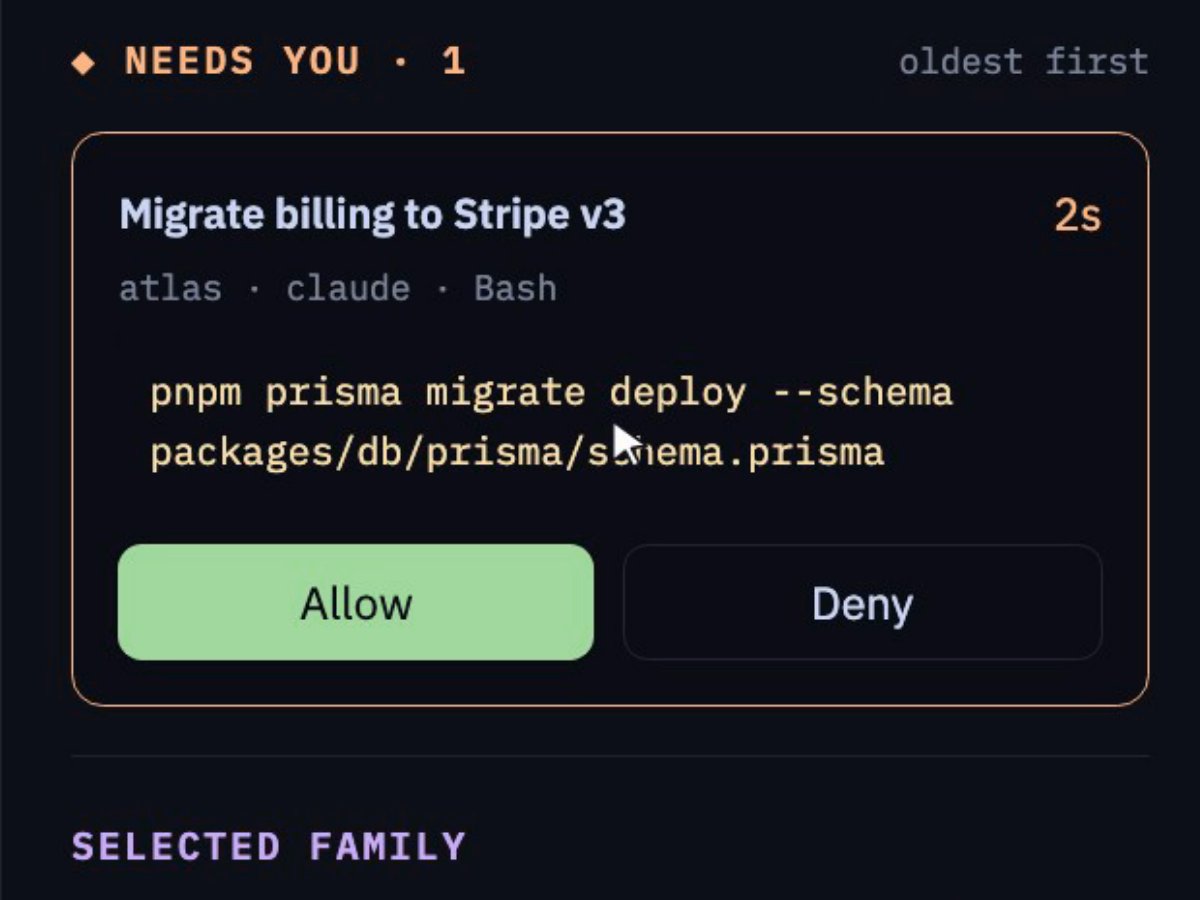
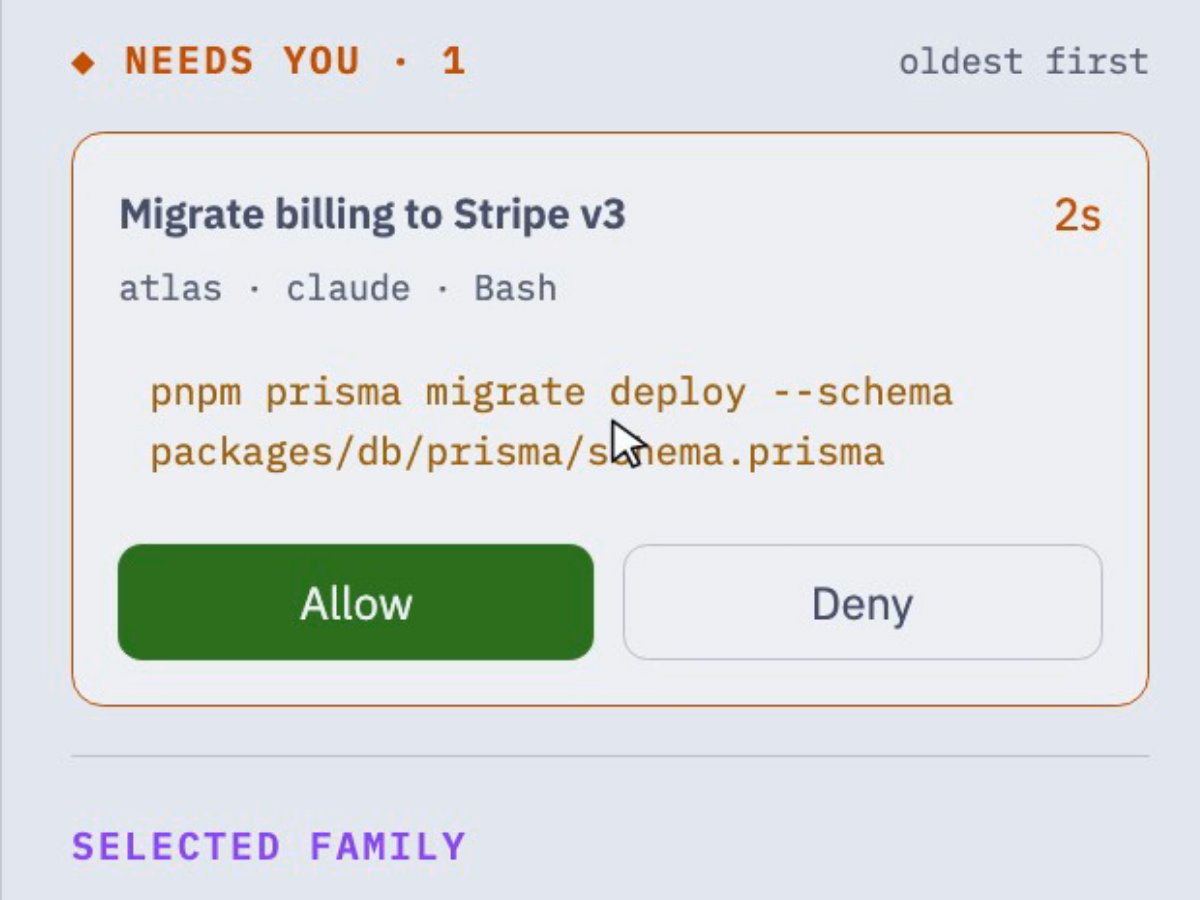
Permission prompts, questions and finished turns land in one list, oldest first, with the full command. Allow or deny without finding the window.
How Needs you worksThe web dashboard's Needs you panel: a permission prompt for pnpm prisma migrate deploy, with Allow and Deny; Allow is pressed and the wait clears.
▶ FLOW
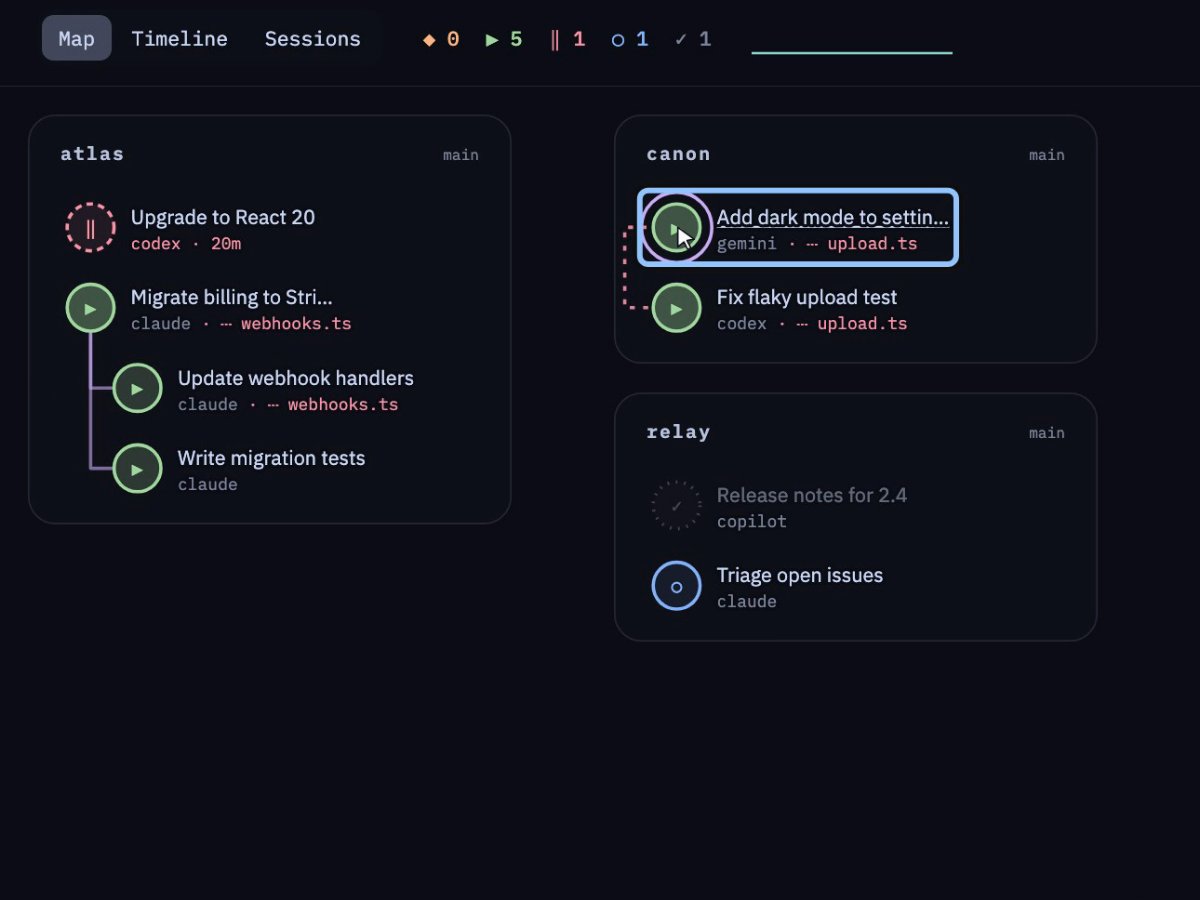
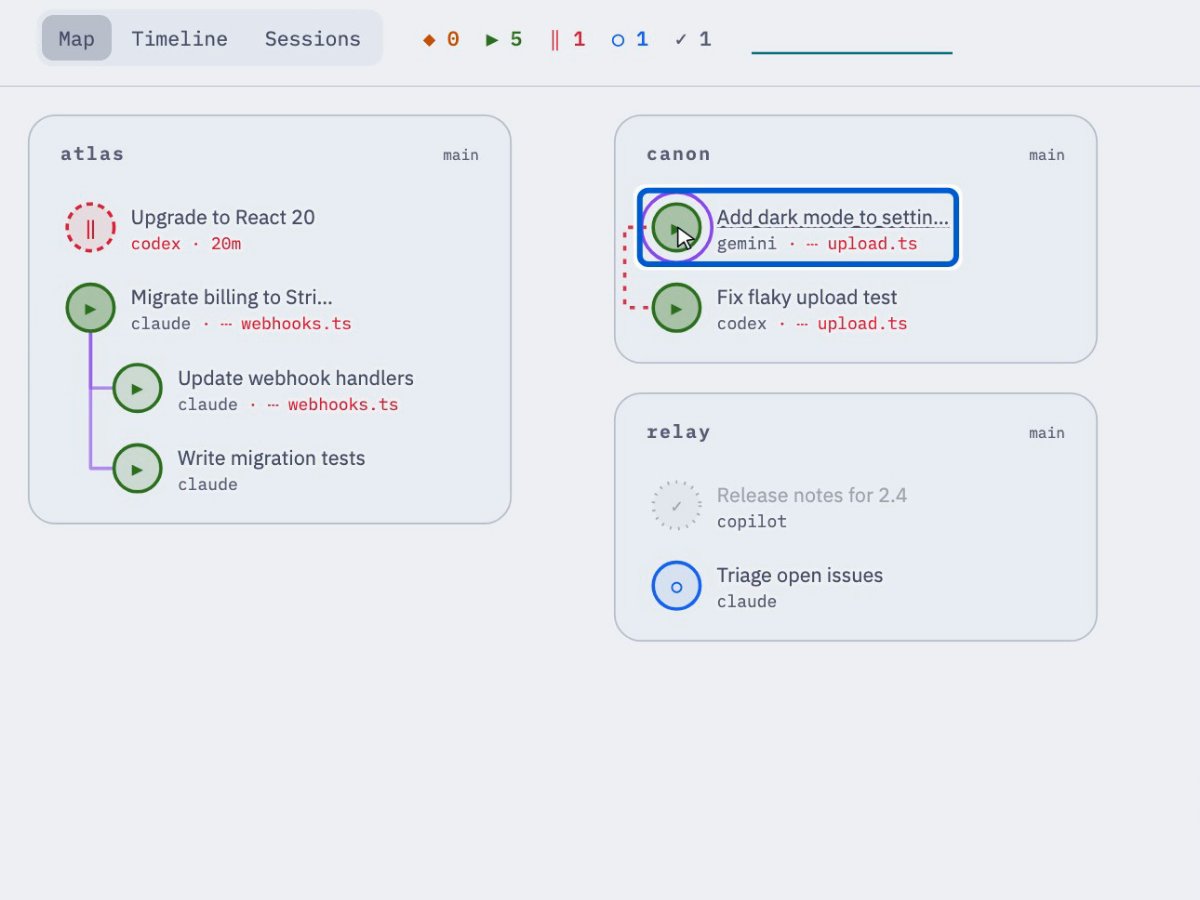
Sessions grouped by project, workers under the agent that started them, and a red tag when two agents edit the same file. As a map, a timeline or a plain list.
Read about FlowThe web dashboard's Flow map in light mode: sessions grouped by project, workers under the session that started them, and a selected session showing a file also touched by another session.
▣ MACHINES
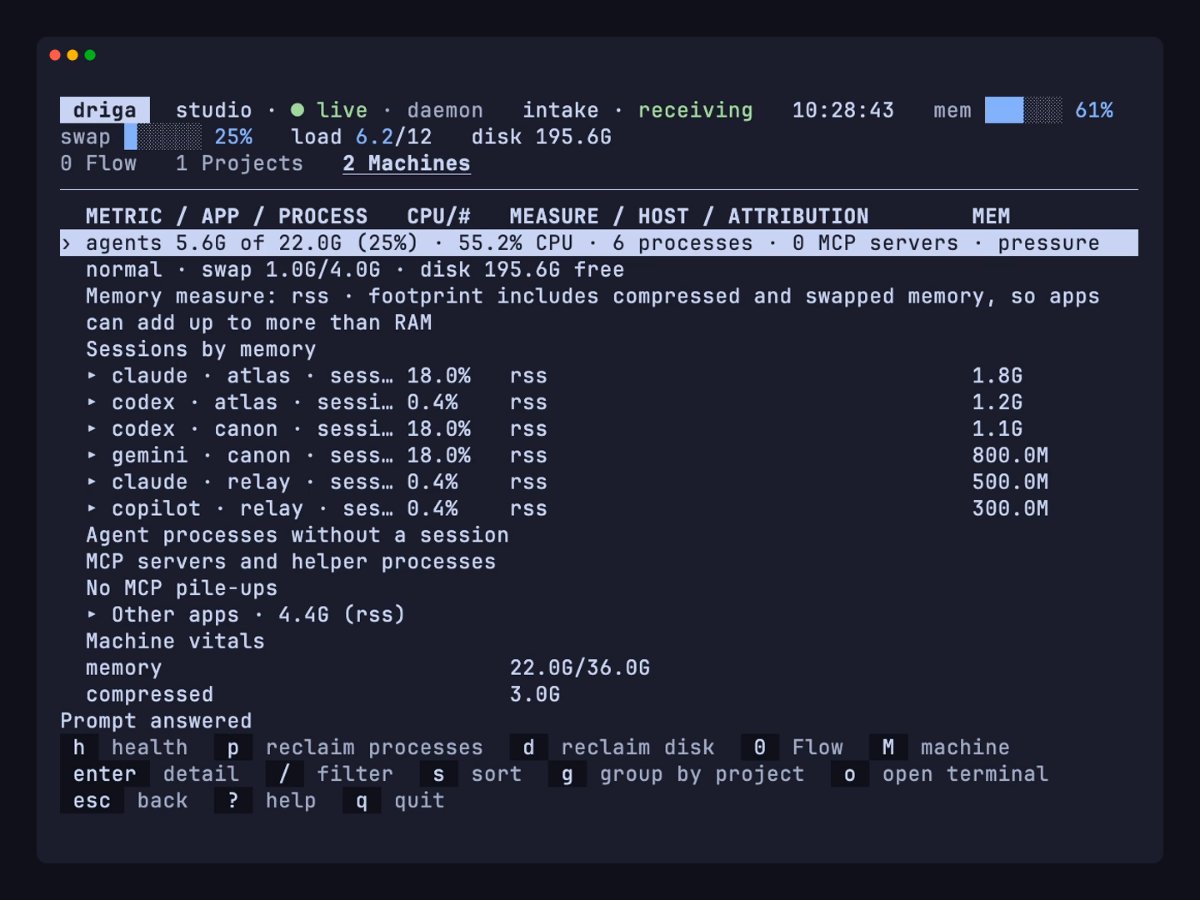
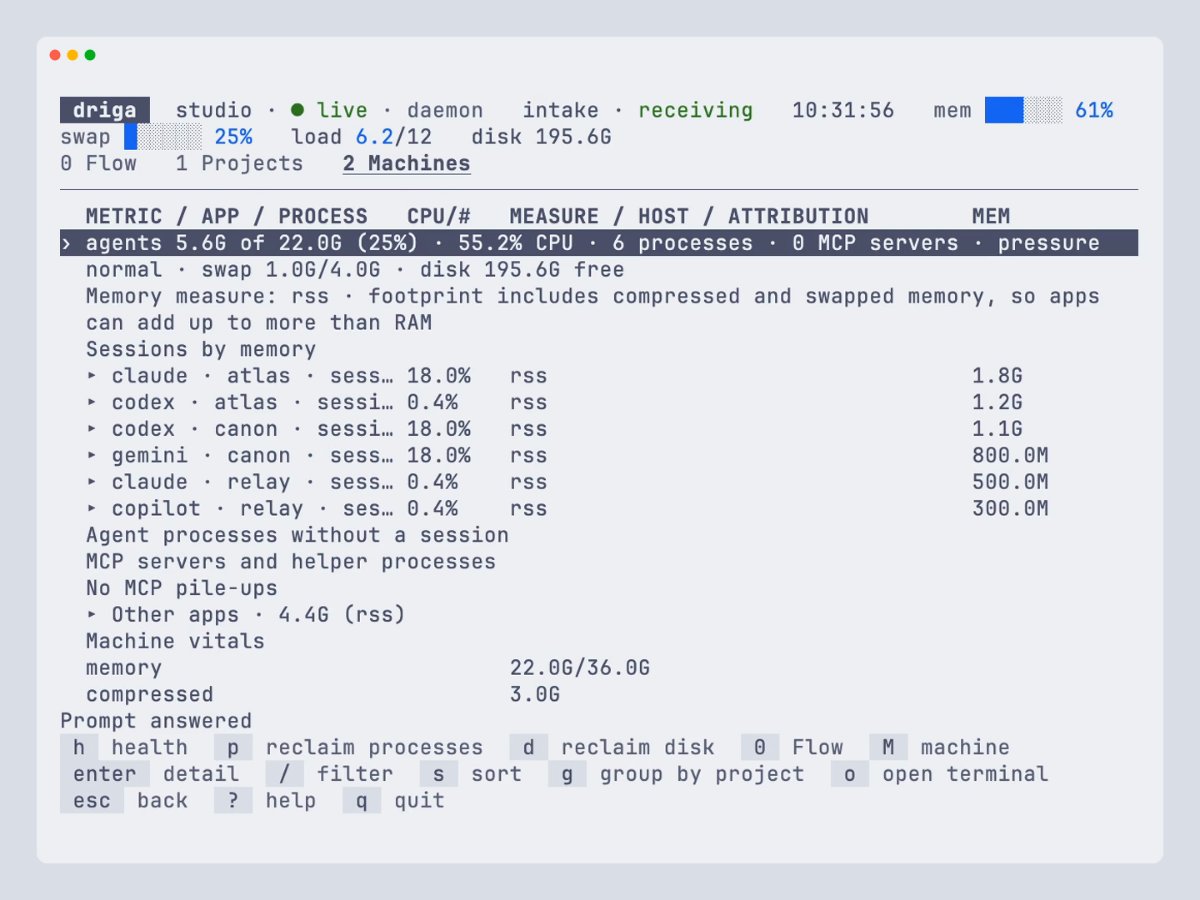
Memory and CPU by session, helpers left running after an agent ends, and old worktrees you can remove, each with its evidence and a confirm step.
Projects and machinesThe terminal UI's Machines tab: memory and CPU for each agent session, other apps, and machine vitals.
drigaKeyboard first. Flow, Projects and Machines, with Chat one key away. Flow
driga webThe same views in your browser, on loopback only. Light and dark follow your system. First run
driga mcpRead-only MCP tools and versioned --json on every read command. MCP
No account and no API key. Driga reads session files, the process table and Git on your machine. Driga is alpha: formats and behaviour can still change.
claude CLI.brew install --cask labstack/tap/drigaThen run driga. Linux packages and Windows (experimental) are on the install page.